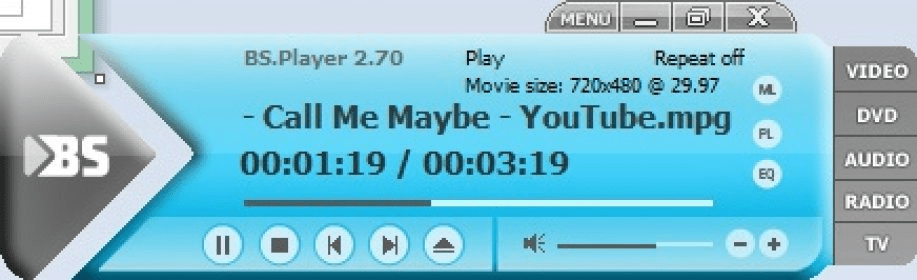
This video tutorial has been acquired from Downloadtube.com
Review
This is official description applies to version 2.5
Since its beginnings, the BS.Playe has truly been one of the best video players in the world.
The BS.Playe has always been easy to use and as technically perfect as possible.
BS.Player ™, a free media movie player, is a product for the world multi media market and is therefore equipped with advanced subtitle options which enable the users to watch video content with subtitles from many popular subtitle formats.
The following review written by one of the Software Informer contributors applies to version 2.4
BSPlayer is a popular multimedia player for Windows computers. This application has been around for a long while and it is constantly gaining features. But just like every other application it has its strong and weak points.
There are many things that BSPlayer has to do to become the dominant player of multimedia files. The first one is to include open-source codecs, thus not depending on the system codecs for file playback. This has not changed from the last reviewed version. However, BSPlayer now scans for codecs right after it is installed and prompts to download missing codecs. This is a HUGE step forwards for the franchise. The whole process worked seamlessly and I was able to play most video formats almost out of the box. This shows that BSPlayer is indeed moving forward.
On another note, there are new features that help the player get better and better. The most notable one is the subtitle download feature. It allows you to load a video file and download subtitles for it automatically. And, WOW, does this new feature work great. When you start playing a file, it will start looking for a subtitle in the language you have set up as default. If it finds more than one subtitle, it will give you the option of downloading the preferable one. Also, the whole process is automatic and the subtitles start playing as soon as you have downloaded them. I have to say that this is one of the best subtitle download features I have seen. It just works.
Other new features include YouTube video streaming and, for the Pro version, you can download those files to your hard drive. Still, BSPlayer Free does not allow you to play DVD movies.
It is really powerful.
It has a great support and has been around for ages.
Automatic subtitle download.
Still depends on system codecs.
The player's interface could use some overhaul.
Missing some important functionality in comparison with the PRO version.
Reviewed by: José Fernández
Reviewer rating:
Reviewed: 2 years ago
What's new in version 2.5
ADDED - new osd mode - option to set subtitles off by default, subtitles are still loaded but not shown - option to ignore SSA styles - option to set background color for full screen mode - support for some Windows 7 features
FIXED - unicode file names were in some cases displayed with short name - fixed wrong language checking with online subtitles - with online subtitles only default language will now be requested - fixed always on top bug when returning from full screen mode when sepearate taskbar buttons were enabled - text inside {} in SSA subtitles will now be ignored - changed/fixed mkv default audio stream handling - all online subtitle providers will now be checked at the same time in separate threads